
Take control: Settings, security, and support in your new Fold app
Settings in the new Fold app are designed to put you in charge of your account details, security, and communication preferences from one place. By moving key options into a single menu, the app reduces friction when you need to update something important or respond quickly to an issue.
Where to find Settings
You can access Settings by tapping the icon in the top left of your home screen. This entry point opens a menu that gathers together banking options, documents, security tools, notification controls, and support.
Settings Tab overview
This layout allows you to quickly recognize where to go when you need to update something. The video above shows you how to open the menu, scroll through the options, and reach the most frequently used items.
Manage banking details and card controls
Inside Settings you can update direct deposit details, change or add payment methods, manage authorized users, and access your statements. You can also lock your debit card or report it lost from the same area, giving you a fast way to respond if something does not look right.
Having these tools in one place means fewer calls to support and faster resolution when your situation changes, like switching jobs or updating bank accounts.
Documents, security, and notifications
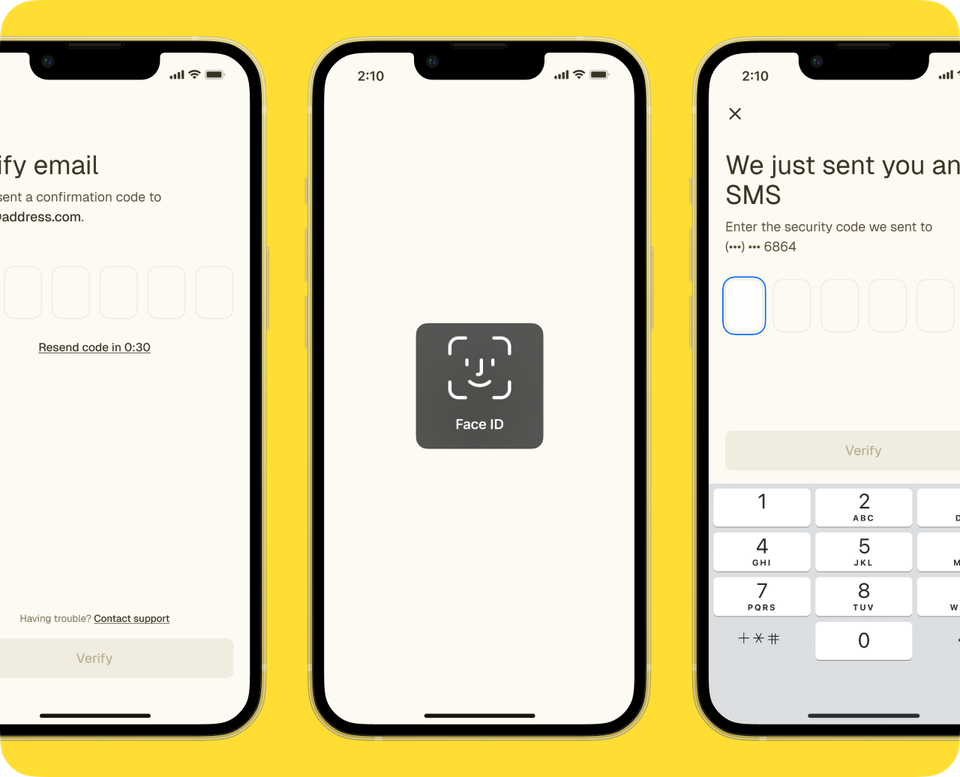
Settings is also where you can download tax documents, making it easier to gather what you need when preparing returns or working with an advisor. Keeping documents accessible in‑app helps avoid searching through old emails or external portals. Additional security options also live in Settings. You can enable Face ID, update your password, and review other sign‑in options that help protect your account.
Support and account control
If you ever need help, you can contact support directly from Settings, using the channels Fold offers. This centralization is meant to shorten the distance between noticing an issue and getting assistance.
Settings is also where you can initiate account deletion if you decide to close your Fold account, giving you full control over your relationship with the app. Placing this option in Settings keeps it accessible while still requiring deliberate action, which is a common practice for financial platforms.